
 Pierre-Yves Barriat
9ace9ae840
Last improvements on exercises
Pierre-Yves Barriat
9ace9ae840
Last improvements on exercises
|
4 tahun lalu | |
|---|---|---|
| .. | ||
| img | 4 tahun lalu | |
| README.md | 4 tahun lalu | |
| getting_started.sh | 4 tahun lalu | |
| git-cheat-sheet.pdf | 8 tahun lalu | |
| git-refcard.pdf | 8 tahun lalu | |
| github-git-cheat-sheet.pdf | 8 tahun lalu | |
| tricky.md | 4 tahun lalu | |
README.md
Git_Training
Git cheat sheet
Git for Windows or Mac OS X
Windows integration
Download and install Git for Windows from: gitforwindows.org
This installs a minimal Unix style shell (called git-bash), the basic OpenSSH tools as well as git.
During install select the following (for any other options given choose the defaults):
 |
 |
 |
 |
 |
 |
 |
 |
 |
 |
You should use Visual Studio Code as default editor.
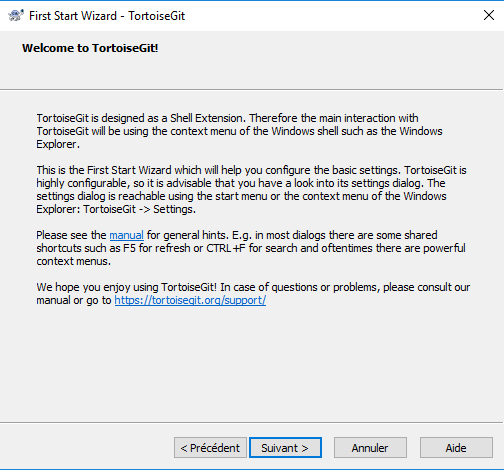
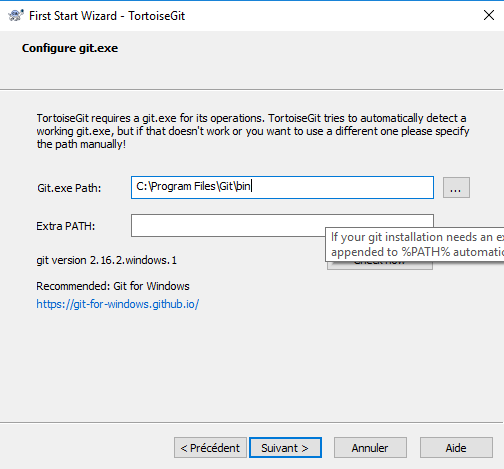
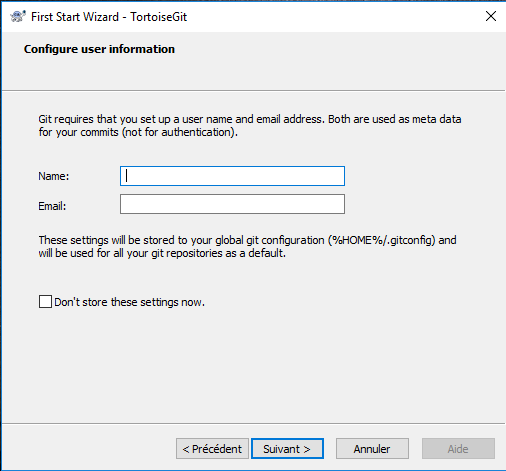
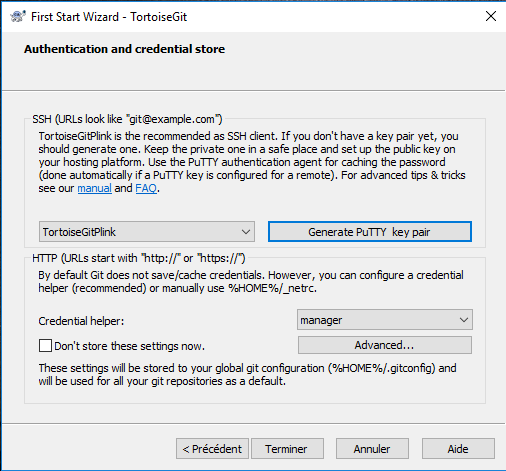
Setup of Git GUI’s: download and install TortoiseGit from tortoisegit.org
Select OpenSSH for the SSH Client and just put "ssh.exe"
 |
 |
 |
 |
 |
Mac OS X
Download a Git installer here.
Keep all options "By default" during installation
Now, open a terminal and use Git as you do on Linux...
Tricky commands
Here are a few commands that you may not know yet, or that offer options you haven’t been aware of so far.